1
Enable & Configure
Turn on FlowPulse from the portal chart header. Pick a sound profile (Standard, Subtle, or Crisp) and set your volume. Done.
FlowPulse is an adaptive audio layer built for futures traders. It stays mostly quiet, then triggers only when CVD pressure reaches statistically aggressive levels — so when it fires, you immediately know something meaningful is happening.
FlowPulse runs automatically once enabled — there's no chart to monitor or threshold to tune by hand.
Turn on FlowPulse from the portal chart header. Pick a sound profile (Standard, Subtle, or Crisp) and set your volume. Done.
Focus on price action and your levels. FlowPulse watches CVD in the background, scoring delta impulse, volume, and structure alignment continuously.
When aggressive buyer or seller pressure crosses the adaptive threshold, you hear it instantly — a higher-pitched tick for buyers, lower for sellers. More ticks in the burst means stronger conviction.
FlowPulse does not fire on every CVD change. It combines robust delta scoring, volume impulse, structure alignment, and repeat-direction lockout to prioritize quality events.
Compares current CVD delta against rolling historical behavior (median/MAD and quantiles) so sensitivity adapts to market tempo automatically.
Scores events higher when directional CVD is backed by unusual volume instead of thin or noisy prints.
Boosts conviction when buyer/seller pressure aligns with CVD structure markers and short-term trend slope.
Uses repeat lockout to suppress low-value same-direction spam so bursts of alerts remain meaningful.
Most audio alerts fire constantly or use a fixed static threshold. FlowPulse is purpose-built to stay quiet until aggressive pressure actually occurs.
Every component of the detection engine works together. No separate tuning required.
Rolling median/MAD calibration means the sensitivity automatically scales with the speed of the current market — no manual tuning.
Events are rated by the volume behind them — high-volume directional pressure scores much higher than the same delta on thin prints.
A cooldown window prevents repeated signals in the same direction so you're not inundated when markets push steadily in one direction.
Pressure in the direction of the short-term CVD trend gets a conviction boost, separating meaningful continuation from counter-trend noise.
FlowPulse is explicitly enabled on the playback chart and works across all three streams — Open, Open 4x, and Competition mode.
Choose from Standard (triangle/square waves), Subtle (soft sine waves), or Crisp (sharp sawtooth). Preview all three before going live.
FlowPulse behaves differently in live and playback contexts — on purpose.
Live FlowPulse follows the shared user-menu toggle in Portal/Admin. If live FlowPulse is muted there, the chart stays silent in live mode.
Playback ignores the live menu toggle. You explicitly enable FlowPulse on the playback chart when practicing historical sessions — the live and playback controls are independent.
Controls stay compact in the chart header — accessible without interrupting your workflow.
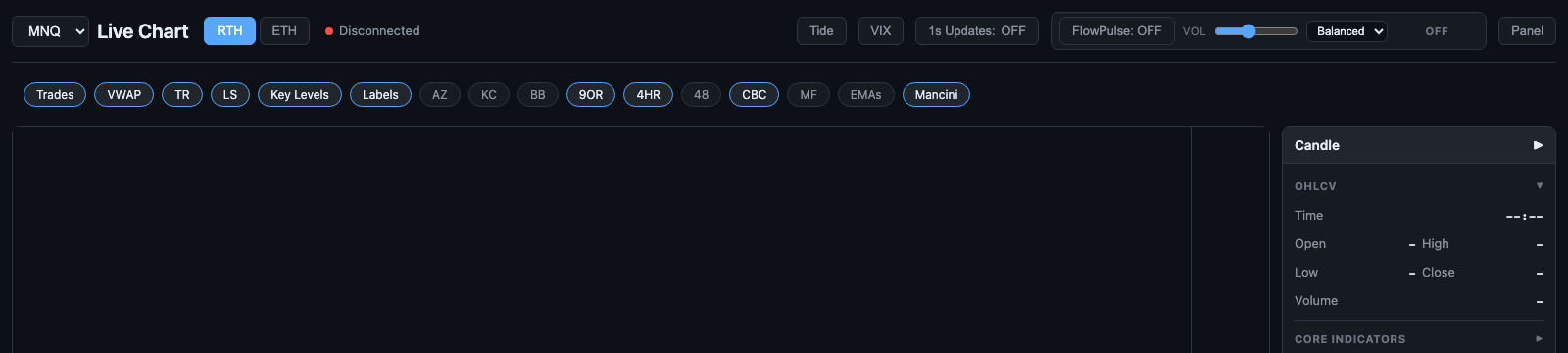
Live chart header with FlowPulse profile controls and status chip.
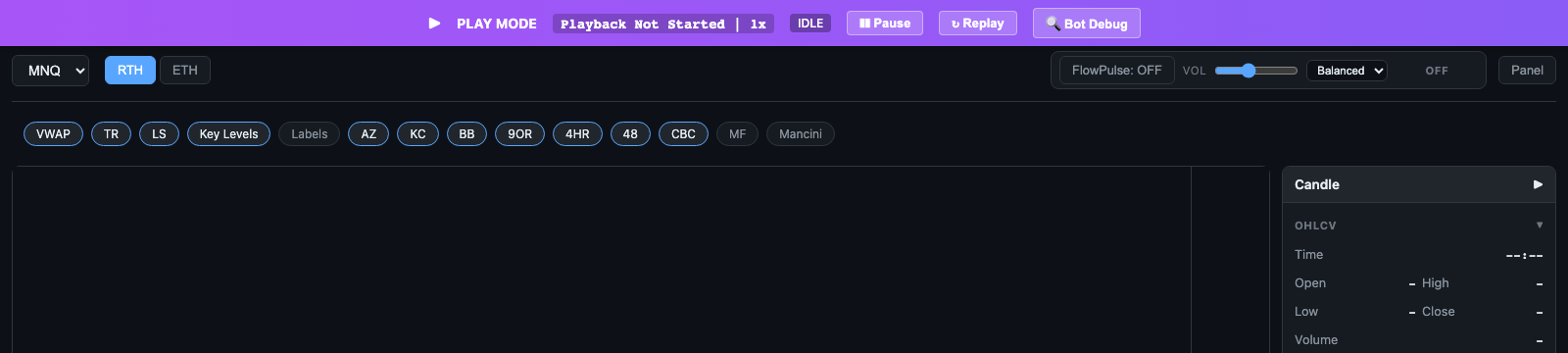
Playback stream chart with FlowPulse controls for practice and replay sessions.

Compact controls stay out of the way until you need to adjust profile or volume.

Same sound language in playback so your training workflow matches live execution.
Buyers trigger a higher-pitched tick (~1000 Hz), sellers a lower one (~500 Hz). Strength is encoded by burst count at a fixed cadence: 2 ticks for minor, 3 for major, and 5 for extreme. Click any button to hear it.
Everything you need to know before enabling FlowPulse.
FlowPulse is included with Silver and Gold — no add-ons, no separate purchase. Enable it in the chart header, pick a profile, and it runs in the background while you trade your plan.
Works in live mode and all three playback practice streams.