Quick Start Guide
Get up and running with TradingPlace in 5 minutes.
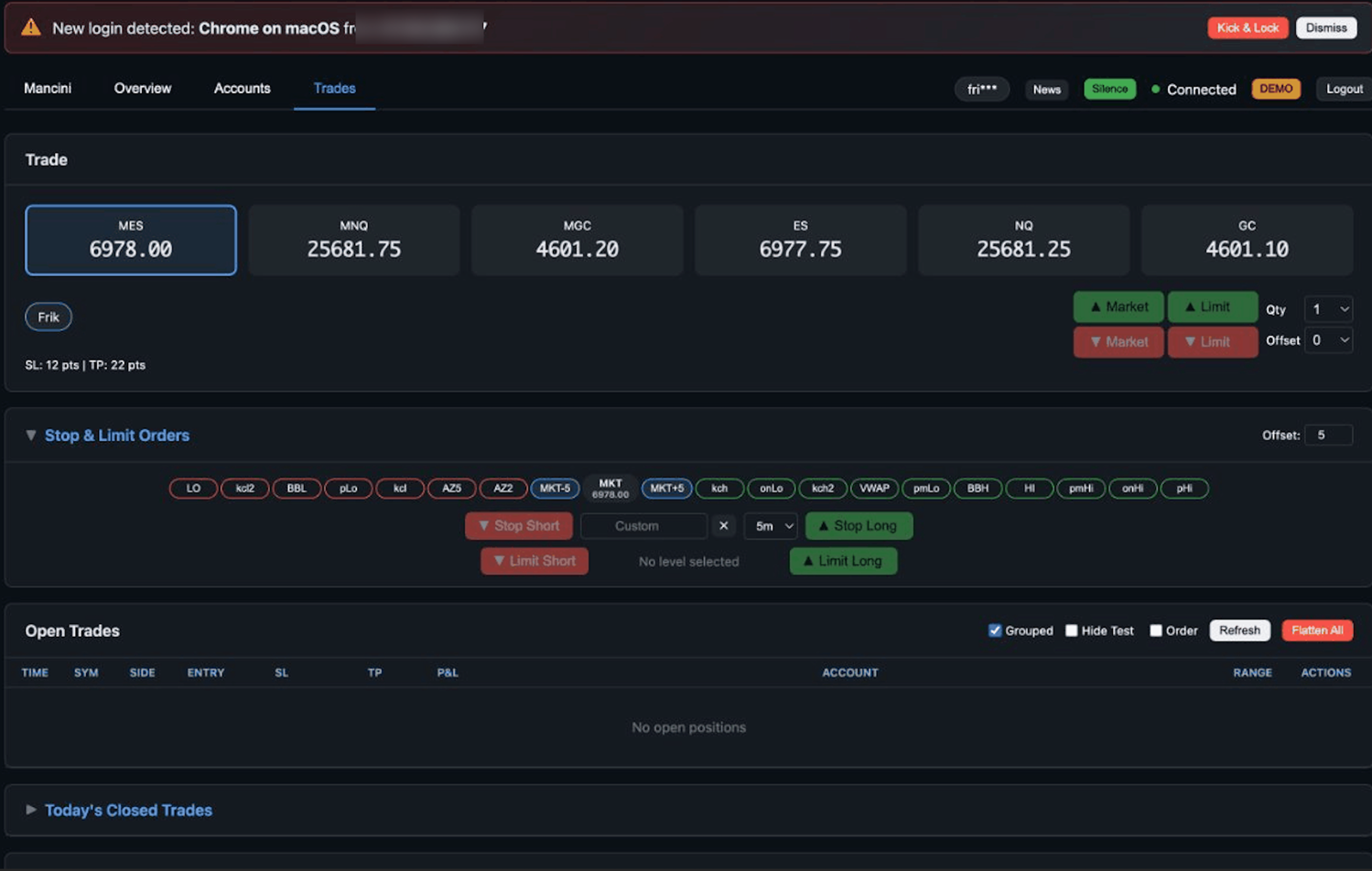
1Create Your Account
Sign up at TradingPlace and complete the registration process. You'll need:
- Email address
- Credit card (3-day hold, no charge if you cancel)
- Invite token (if required)
2Connect Your Broker
TradingPlace connects to your prop firm accounts through Tradovate, Rithmic, or WealthCharts. In your dashboard:
- Click "Add Connection"
- Enter your broker credentials
- Select the accounts you want to manage
- Click "Connect"
Use Account settings to change settings such as funded. Accounts will be color-coded (red = funded, blue = evaluation).
3Select Accounts to Trade
Before placing a trade, select which accounts should receive the order. You can select one or more accounts to trade simultaneously and manage them as a single position.
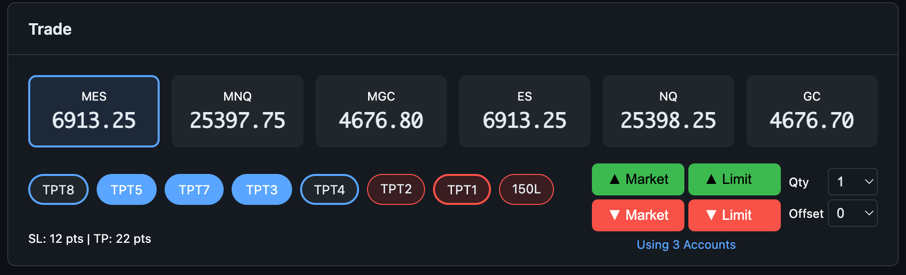
- Click account buttons to select/deselect them (selected accounts are highlighted)
- The status bar shows how many accounts are selected (e.g., "Using 3 Accounts")
- Or use the "Select All" / "Select Funded" / "Select Eval" quick buttons
- All selected accounts receive orders simultaneously and can be managed as one group
4Place Your First Trade
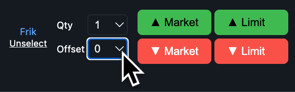
With accounts selected:
- Choose your symbol (ES, MES, NQ, MNQ, GC, MGC)
- Set your contract quantity
- Click Buy or Sell
The order executes across all selected accounts simultaneously.
5Manage Your Position
Once in a trade, use these tools:
- Sell Half - Closes 50% of position in each account
- Sell Quarter - Closes 25% of position in each account
- Flatten All - Emergency close of ALL positions
Essential Keyboard Shortcuts
Memorize these for faster trading:
Escape- Cancel all pending ordersShift + Escape- Graceful exit (move TP to current price)- Flatten All button - Emergency close all positions and cancel all orders
Next Steps
- Learn all keyboard shortcuts for faster trading
- Read the FAQ for answers to common questions
- Listen to the 20-minute deep dive for advanced strategies